
Productivity
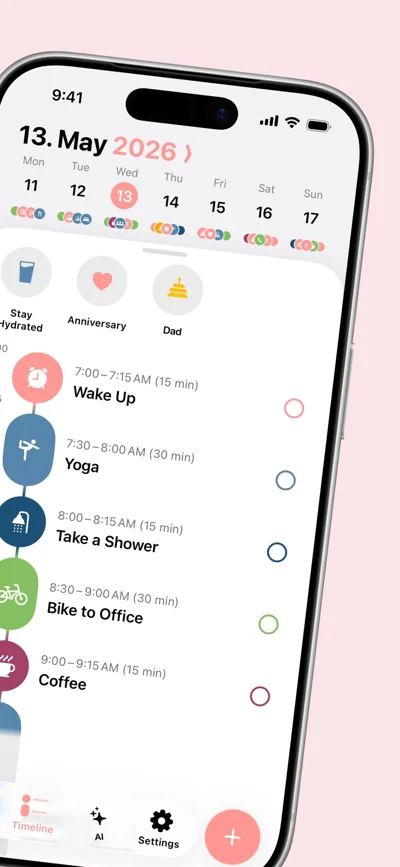
Daily Planner & Todo Timeline
AI Schedule, Habits & Focus
Creativity
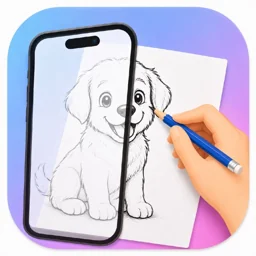
AI Sketch Projector on Paper
AR Drawing turns your iPhone or iPad into a drawing projector. Choose a photo, create a clean outline, place your device above the paper, and trace the guide you see through the camera. It is an easy way to practice proportions, recreate a favorite image, or start drawing without facing a blank page.
View on App StoreiPhone · iPad · iOS 17.0+ · Version 1.0.5
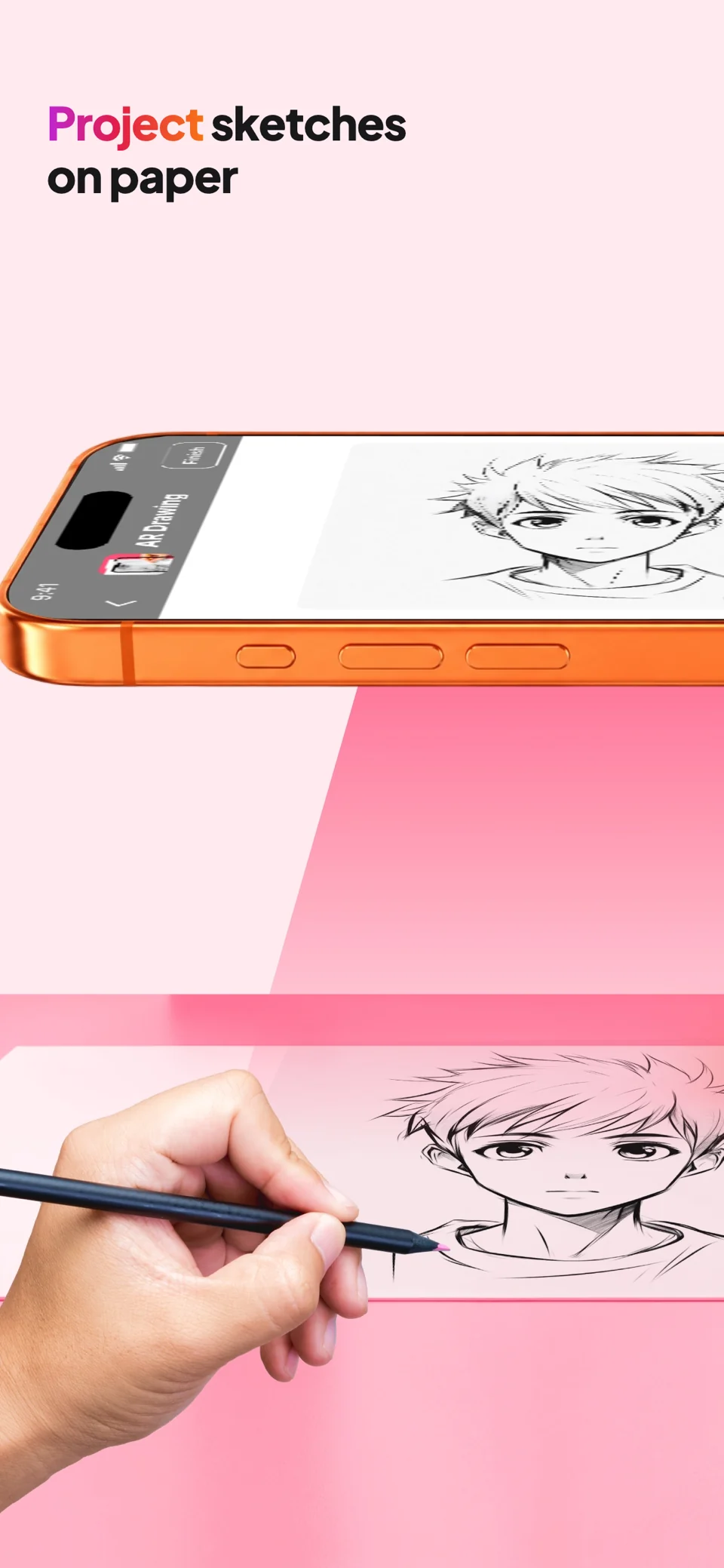
DRAW ANY PHOTO ON REAL PAPER
AR Drawing turns your iPhone or iPad into a drawing projector. Choose a photo, create a clean outline, place your device above the paper, and trace the guide you see through the camera. It is an easy way to practice proportions, recreate a favorite image, or start drawing without facing a blank page.
TRACE WITH A LIVE AR CAMERA • Project a reference over real paper through the camera • Lock the guide in place with anti-shake stability • Adjust opacity, scale, rotation, and flip controls • Import from Photos, take a picture, or choose a built-in template
TURN PHOTOS INTO CLEAN OUTLINES Convert portraits, pets, objects, and other images into crisp line art with one-tap edge detection. Fine-tune the result in the editor, then use it as your tracing guide.
CREATE CUSTOM AI SKETCHES Describe an idea—such as an anime character, animal, or simple doodle—and generate a high-contrast drawing template ready to trace. AI generation requires an internet connection.
EXPLORE 40+ DRAWING TEMPLATES Start quickly with traceable designs featuring anime, chibi, manga, animals, nature, food, vehicles, and more.
RECORD YOUR DRAWING PROCESS Capture a smooth HD time-lapse while you trace, save the finished video without a watermark, and share your progress.
MADE FOR BEGINNERS AND ARTISTS Use AR Drawing to learn hand control, practice outlines, prepare a sketch, or transfer a reference onto paper. Core photo-tracing tools and bundled templates work offline.
Pick a photo. Place your phone. Trace it on paper.
Privacy Policy: https://htlabsapp.io.vn/privacy Terms of Use (EULA): https://www.apple.com/legal/internet-services/itunes/dev/stdeula/
Productivity
AI Schedule, Habits & Focus